Ignite the Magic!

Hi, I’m Julibe, and I Craft Digital Experiences!

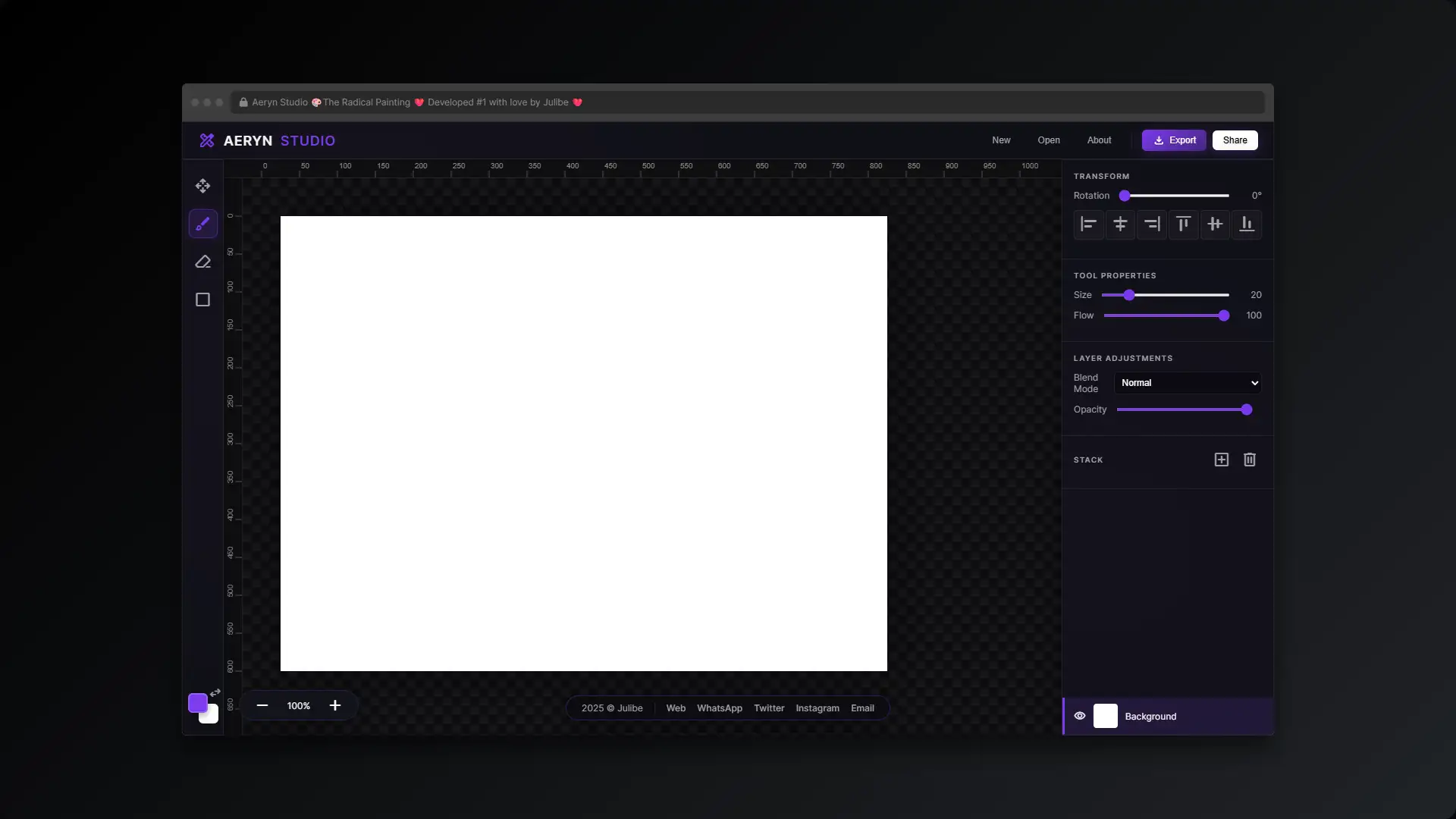
Fire up your dial-up and grab your mouse! Aeryn Studio is the raddest MS Paint clone on the Web. Layers, pixels, and pure 90s bitmap glory await!
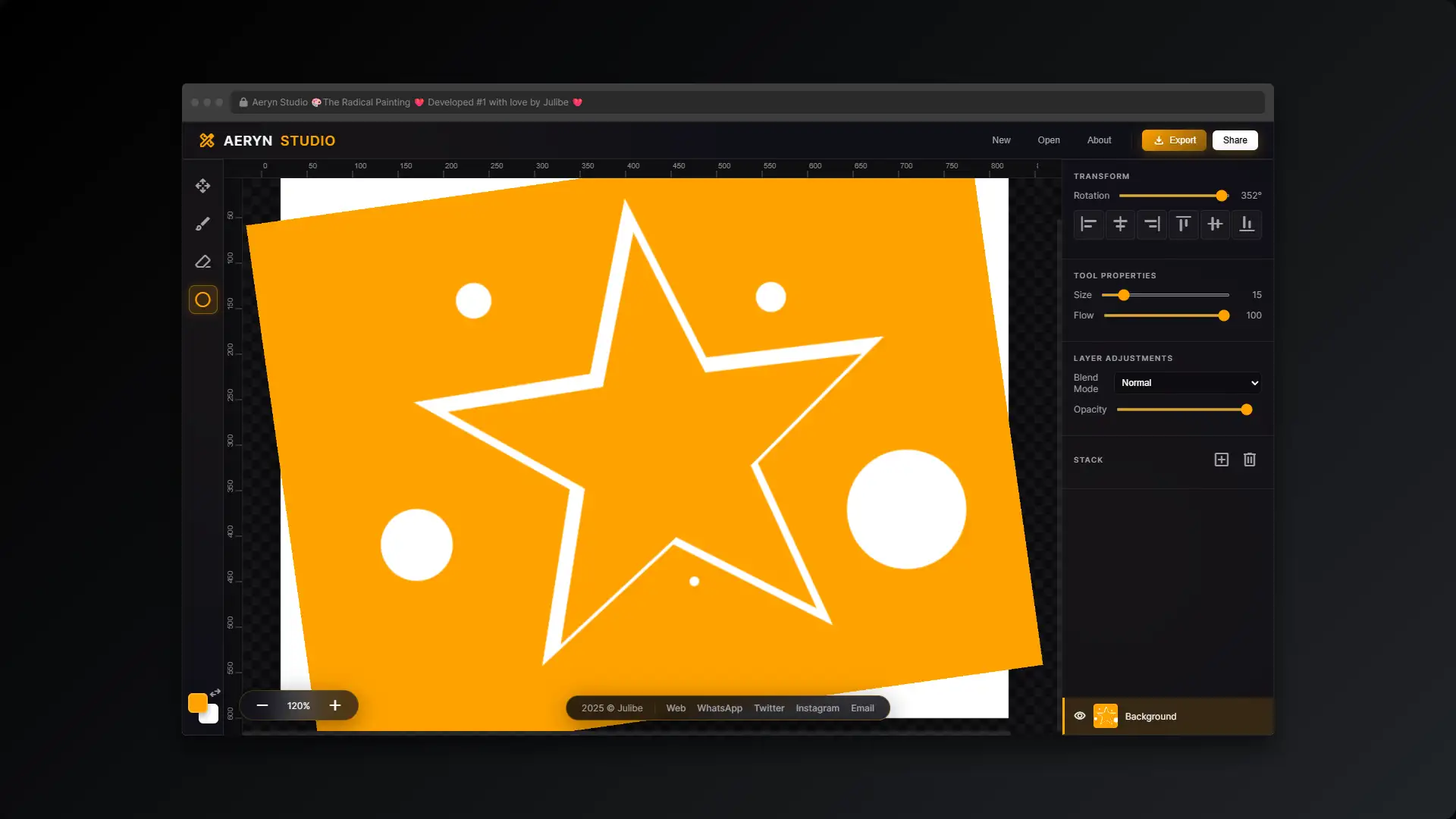
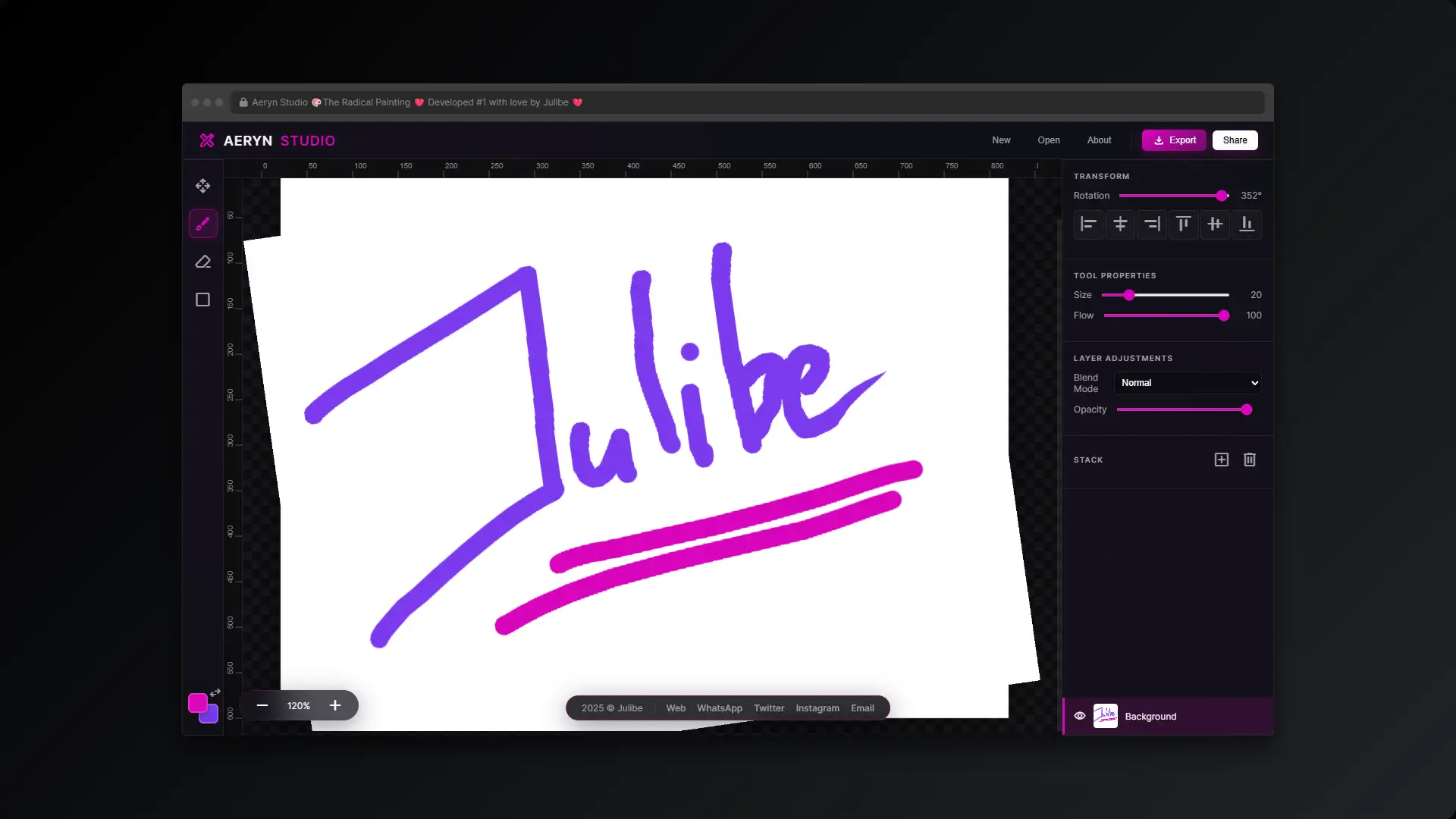
Aeryn Studio is a lightweight, browser-based graphics editor that captures the magic of classic MS Paint while supercharging it with modern HTML5 Canvas technology. Featuring a robust layer system, dynamic theming, and real-time canvas transformations, it’s the ultimate digital playground for pixel enthusiasts and creative web surfers.
julibe #julibe #PaintApp #PixelArt #CanvasEditor #RetroGraphics #DigitalArt #Html5Canvas #WebDesign #GraphicTool #CreativeCode #BitmapEditor #foryou
👻🎨 🖱️ 💾 🖌️ ✏️ 🖼️ 🌈 🌟 👾 💻 💽👻
Stop sketching on paper like it’s the Stone Age! Boot up Aeryn Studio today and experience the absolute thrill of crafting digital bitmap masterpieces with the coolest MS Paint clone on the Information Superhighway!

The Radical Painting

In a nutshell...

The "Too Long; Or too scary??? Anyway don't Wanna Read" version... 🔮

Listen up, cybersurfers! If you don’t have time to read the full manual, here is the absolute download on this project! Aeryn Studio is an incredibly rad, browser-based graphics editor that brings the nostalgic joy of 90s bitmap drawing into the modern era.

It uses the HTML5 Canvas to let you draw, erase, make shapes, and—get this—use actual layers to build your images! You can rotate things, change opacities, and mix blend modes just like the expensive CD-ROM software! Then, you just click export and boom, you have a shiny new PNG to upload to your personal homepage!

💾 Welcome to the World Wide Web of Art!

Greetings, cybersurfers! Have you ever looked at your clunky, beige desktop monitor and thought, “I need more BITMAPS in my life”? Well, hang up the phone line, tell your mom to stay off the extension, and prepare to be digitized! Aeryn Studio is the ultimate graphics editor that runs right inside your Netscape Navigator (or whatever modern browser you’re using)!

🎨 Pure Pixel Power at Your Fingertips!

We’ve completely reinvented the MS Paint experience! No more physical paint, no more messy brushes, just pure, unadulterated pixels waiting to be arranged into a digital masterpiece. This isn’t just a basic drawing tool; this is a state-of-the-art canvas manipulation engine. We are talking custom brushes, shape primitives, and a fully functional graphical user interface!

💽 Welcome to the Layer Cake!

Hold onto your floppy disks, because we’ve added LAYERS! That’s right! You can draw something, and then draw something over it without erasing the first thing! With dynamic theming that changes colors faster than a hypercolor t-shirt, this editor is your one-way ticket to graphic design greatness. Start clicking and let the pixels flow!
About

Thinking about building something similar?

These estimates will give you a clear picture of the technical scope, development timeline, and investment required to turn the idea into an awesome reality. 

Big results start with clear information and smart decisions.

Value: ~ $630 to $1.100 USD
Details
Minimum
Value: $630
Maximum
Value: $1.100

Duration: ~ 3 to 1 Week
Details
Minimum
Hours: 20
Days: 3
Maximum
Hours: 40
Days: 5
Weeks: 1
Value: ~ $90 to $150 USD
Details
Minimum
Value: $90
Maximum
Value: $150

Duration: ~ 0 to 1 Day
Details
Minimum
Hours: 3
Maximum
Hours: 5
Value: ~ $150 to $250 USD
Details
Minimum
Value: $150
Maximum
Value: $250

Duration: ~ 1 Day
Details
Hours: 7
Value: ~ $260 to $440 USD
Details
Minimum
Value: $260
Maximum
Value: $440

Duration: ~ 1 to 3 Days
Details
Minimum
Hours: 9
Days: 1
Maximum
Hours: 20
Days: 3
Value: ~ $70 to $110 USD
Details
Minimum
Value: $70
Maximum
Value: $110

Duration: ~ 0 Days
Details
Hours: 3
Value: ~ $70 to $110 USD
Details
Minimum
Value: $70
Maximum
Value: $110

Duration: ~ 0 Days
Details
Hours: 3

Don’t let the numbers scare you, let’s talk!

The Juicy Details!

All treats, no tricks, just the sweet facts! 🍭

Boot up your modems and hear that sweet screeching sound of connection, because we are surfing straight into the realm of digital artistry! Remember the absolute thrill of discovering a paint program on your first computer? The sheer power of clicking a mouse and seeing a pixel magically appear on a glowing cathode-ray tube monitor? We are bringing that magic back, baby!

Aeryn Studio isn’t just an app; it is a love letter to the era when creating digital art felt like hacking into the mainframe. We have taken the soul of the classic bitmap editor and injected it with maximum overdrive web technologies. Grab your favorite neon soda, put on some techno music, and let’s make some graphics!

  1. Boot It Up: Open the app and create a new document. Set your width and height (800×600 is a classic!).
  2. Choose Your Weapon: Click the Brush tool to freehand, or grab the Shape tool to drop down some perfect geometry.
  3. Pick a Color: Click the primary color box on the left toolbar and pick the most eye-scorching neon color you can find!
  4. Build the Stack: Use the right sidebar to add new Layers! Draw your background on the bottom, and your masterpiece on top!
  5. Save to Floppy: Hit that “Export” button in the top header to instantly download your art as a PNG file!

Our inspiration comes from the absolute titans of the digital frontier! Obviously, we bow down to the legendary Microsoft Paint, the program that taught an entire generation how to use a computer mouse. We were also hugely inspired by the wild, groundbreaking user interfaces of Kai’s Power Tools, which proved that software didn’t have to look like boring grey boxes!

We also looked back at the early days of MacPaint, the revolutionary software that introduced the concept of the digital toolbox. The desire to create something worthy of an old-school GeoCities homepage was the ultimate driving force behind giving users the power to export their art as transparent images! Finally, the concept of stacking images was directly inspired by the history of Cel shading and traditional animation techniques!


“There are no mistakes, just happy little accidents.”
Bob Ross (The original master of the canvas!) – Source

“The computer is a bicycle for our minds.”
Steve Jobs (And this app is a neon BMX bike!) – Source

“Art is a lie that makes us realize truth.”
Pablo Picasso (Even if the lie is made of 800×600 pixels!) – Source

Imagine if you could take the simplicity of your favorite childhood drawing tool, but magically give it superpowers. That is exactly what we have built here! This project exists because there is an undeniable joy in raw, pixel-based creation.

We didn’t want to rely on massive, bloated software that takes ten minutes to load from a hard drive. We wanted instant, browser-based gratification! With a sleek, frosted-glass interface that adapts its colors to match your currently selected brush, this editor makes you feel like an absolute cyber-wizard. You command the pixels; they obey!

This whole project started late one night when I was trying to make a custom GIF for a website and realized how much I missed the raw simplicity of drawing directly onto a digital canvas. I wanted the tactile feeling of an old-school editor, but without the limitations of 1995 hardware!

We decided to push the limits of what a simple web browser could do. Why download gigabytes of software when the browser itself has an incredibly powerful rendering engine just sitting there, waiting to be unleashed? We tapped into the matrix and built a full-fledged creative suite!

Let’s talk computer science, fellow nerds! To understand why this app is so cool, you have to understand Raster graphics. Unlike vector graphics which use math to draw smooth lines, a raster image is a grid of tiny colored squares called pixels. When you use our brush tool, you are literally telling the computer to change the color of specific squares on that grid!

In the old days of Windows 95, software had to talk directly to the computer’s graphics card to do this, which was super complicated. Today, we use the incredible HTML5 Canvas element, which gives us a blank bitmap right inside the web page!

But we didn’t stop at one bitmap. We created a dynamic array of them! By utilizing the Document Object Model (DOM), we dynamically generate multiple transparent canvas elements and stack them on top of each other using the CSS z-index property. This creates a virtual Graphical user interface that mimics the power of the heavy-duty software born at Xerox PARC decades ago!

The Game-Plan!

Plotting a safe course through the scary maze! 🧭

  • The Rotation Equation: Trying to draw on a layer after it has been rotated is a mathematical nightmare! The mouse coordinates no longer match the canvas coordinates.
  • Layer State Management: Keeping track of which layer is active, which is hidden, and making sure the thumbnails update instantly without crashing the browser.
  • The Big Export: Figuring out how to flatten an entire stack of rotated, opacity-shifted, blended HTML elements into a single, downloadable PNG image.
  • Matrix Math to the Rescue: We built a local coordinate function that uses Math.cos and Math.sin to mathematically untwist the mouse coordinates, mapping them perfectly onto the rotated layer!
  • A Solid State Object: We structured the app using a central state object. Every time a layer is altered, it updates the state, which then triggers a re-render of the incredibly cool right-hand sidebar UI!
  • The Master Canvas: For exporting, we generate a temporary “master” canvas in the background. We iterate through the layer stack, use ctx.save(), apply the specific rotations and blend modes via the API, draw the layer, and then ctx.restore() to ensure a perfect composite image!

This project is an absolute win for the democratization of creative tools! By providing a fully functional image editor right in the browser, anyone, anywhere can express themselves visually without needing a credit card or a software license. It is the ultimate digital sketchbook, proving that the web is the most powerful creative platform ever built!

This application includes a complete, independent graphics rendering engine. It handles mouse events, touch emulation, state-based layer manipulation, and image data encoding. It intentionally relies solely on vanilla JavaScript and the native Canvas API, avoiding large external frameworks to ensure the code remains lightweight, extremely fast, and completely self-contained.

A huge shoutout to the amazing resources that helped construct this cyber-dojo:

The Nerd Stuff!

I think we are going to need a bigger boat... ahem, I meant cauldron! ✨

JavaScript, CSS, HTML5, Canvas

For the elite hackers out there, here is how the engine purrs! The app initializes by creating a hidden “preview” canvas element that sits on top of the stage. When you click and drag, the events.down and events.move listeners capture the X and Y coordinates relative to the viewport.

If you are drawing a shape, it renders only to the preview canvas to show you an outline. The moment you trigger events.up (letting go of the mouse), the app clears the preview and commits those exact drawing commands to the ctx (context) of the currently active layer object in the app.state.layers array. The dynamic UI theming is achieved by injecting the hex value from the color picker directly into CSS custom properties (--accent) on the :root element!

  • The Flood Fill Tool: Adding a classic “paint bucket” algorithm to fill entire areas with solid neon colors!
  • Undo/Redo History: Building a massive array stack to remember your past strokes so you can hit CTRL+Z when you make a non-happy accident.
  • Custom Image Stamps: Allowing users to upload tiny GIFs and stamp them all over the canvas!
  • Resizing the browser window rapidly while drawing a shape might cause the preview canvas to lose its exact offset alignment.
  • Applying complex blend modes (like ‘Difference’) on a stack of more than 20 layers might cause a slight frame-rate dip on older Pentium processors.

* Pricing, timelines, content, and designs are subject to change without prior notice.
Certain projects or aspects displayed are presented for demonstration purposes only and may include partial or placeholder content, conceptual work and/or early-stage ideas, and may not reflect the final delivered product.

* All values provided are preliminary estimates based on the scope that similar projects may present.
These are intended for general reference only and should not be considered final or binding figures.

More spooktastic codes ready to ignite your curiosity!

Guau! Premium dog food, grooming, and health products for your best friend. 🦴
They don't want you to see this! Chronos is a leaked timeline exposing Roswell, alien signals, and the shadow government's lies! WAKE UP! 👁️‍🗨️
An interactive audio-visual journey breaking down the Pillars philosophy of Cognitive Clarity, Responsible AI, and Organic Growth.
Keep Up to Date? Sure, it's cool! No thanks, I'm afraid